Custom AI insights
AI Chatbot for Small Business Websites: What It Should Actually Do
A practical guide to building a website AI chatbot that answers real customer questions, captures useful lead context, and knows when to hand off to a person.
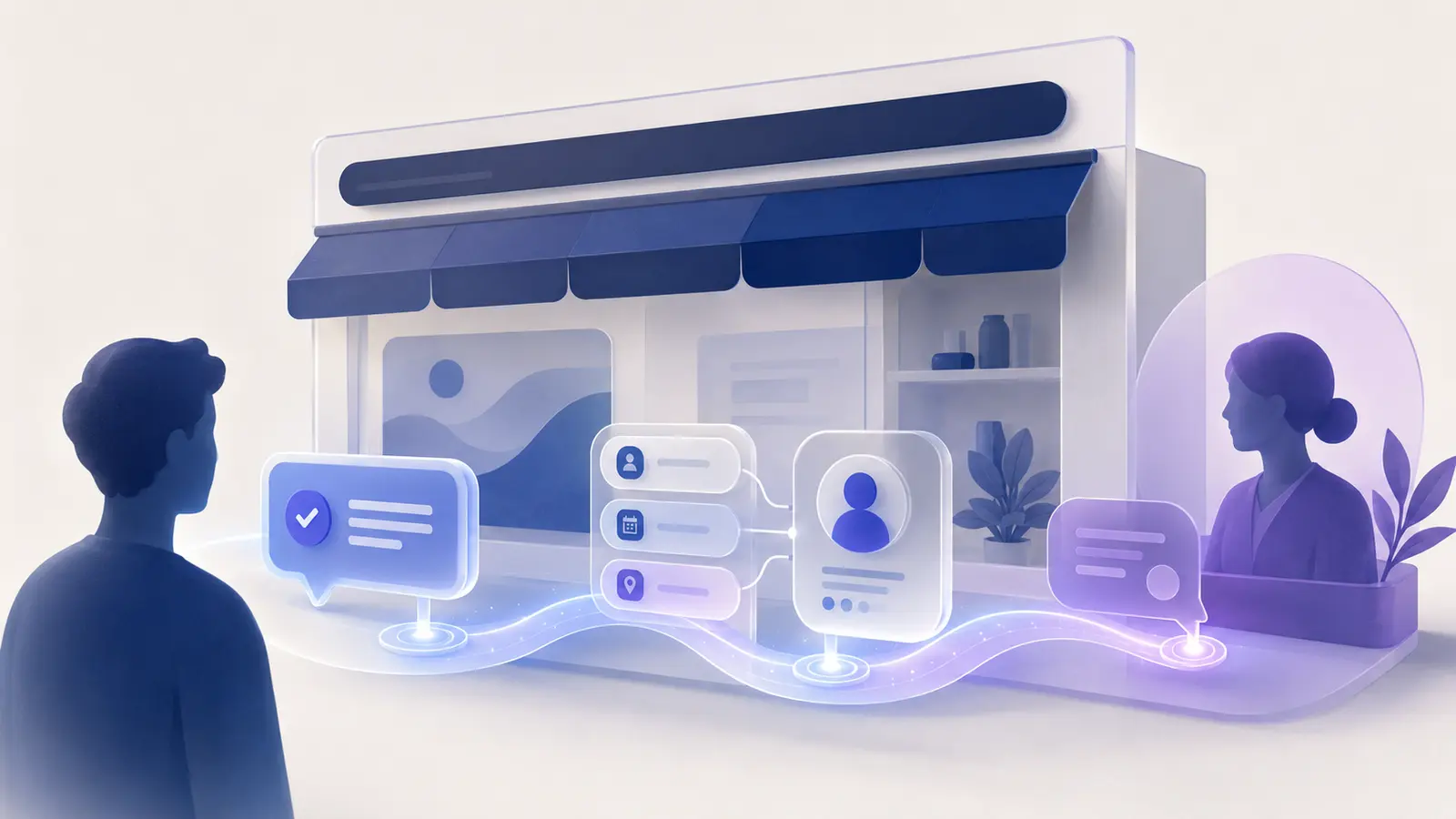
Putting an AI chatbot on a website is easy. Making it genuinely useful is the harder part.
For a small business, a chatbot should not exist just because AI is popular. It should solve a specific problem for the visitor and make the next step easier.
That might mean answering a question after hours, helping someone understand which service fits, collecting the right details before a quote, or getting a complicated conversation to a person without making the customer repeat everything.
The standard is simple: if the chatbot does not improve the customer journey or reduce repetitive work for your team, it is probably just decoration.
What a Useful Website AI Chatbot Should Do
A useful chatbot should help a visitor move forward.
It should be able to answer common questions from information you approve, explain services in plain language, collect useful context, and direct the visitor toward an appropriate next step.
For one business, that next step may be requesting a quote. For another, it may be booking an appointment, choosing a service, leaving contact information, or speaking with a staff member.
The chatbot does not need to do everything. In fact, the best small-business implementations are usually focused. They are very good at a limited set of jobs instead of pretending to be an all-purpose digital employee.
It Should Know Your Business, Not Just AI in General
A generic AI model can answer general questions, but your customers are usually asking about your business.
They want to know whether you serve their area, what your process looks like, what they need to prepare, which option is appropriate, how your policies work, and what happens next.
That means the assistant should be grounded in current, approved business information. It should use your service descriptions, policies, FAQs, process documents, and other sources that you trust.
If the information is not available, the assistant should say so. A clear “I need to get a person for that” is better than an invented answer delivered confidently.
It Should Guide Visitors Toward the Next Step
A common weakness in website chatbots is that they answer a question and then stop.
That is useful, but it leaves a lot of value on the table.
If someone asks whether you provide a particular service and the answer is yes, what should happen next? The assistant might offer to collect the project details. If someone is asking about an appointment, it might explain the process and direct them to scheduling. If a visitor has a problem that requires a quote, it can gather the information your team needs before the conversation reaches you.
The goal is not to pressure visitors. It is to remove uncertainty and make the next step obvious.
It Should Capture Better Lead Context
A name, phone number, and email address are not always enough.
A good website assistant can collect the context that determines whether a lead is a fit: location, service needed, timeline, project type, budget range, urgency, or whatever matters in your business.
That information can then be summarized for your team.
Instead of receiving “New website lead: John Smith,” you can receive a short briefing that tells you what John needs, where he is located, how soon he wants help, and what questions he already asked.
That makes the first human follow-up faster and much more useful.
It Should Make Human Handoff Easy
The fastest way to make an AI chatbot frustrating is to trap the customer inside it.
People should be able to reach a human when the conversation becomes complicated, sensitive, unusual, or simply outside the chatbot’s role.
A good handoff also preserves context. Your team should not have to ask the customer to repeat the entire conversation.
The assistant can prepare a summary, collect contact details, route the request, and clearly explain what will happen next.
The AI is not the destination. It is part of the path to good service.
It Should Have Clear Boundaries
Customer-facing AI needs rules.
It should know which topics it may answer, which information it may collect, what it may promise, and what requires a person.
For example, you may decide the assistant can explain general pricing structure but cannot quote a final price. It may describe your service process but cannot make guarantees about outcomes. It may answer common policy questions but must escalate unusual disputes.
Boundaries make the assistant more trustworthy because the system is designed to stay inside a job it can handle well.
How to Know Whether the Chatbot Is Working
Do not judge the chatbot by how impressive the conversation feels.
Measure what happens around it.
Are customers getting answers faster? Are more visitors completing lead intake? Is your team spending less time on repetitive questions? Are after-hours inquiries getting captured? Are human handoffs arriving with better context?
Those outcomes matter more than how clever the AI sounds.
A website chatbot should earn its place on the site by improving something measurable.
Should Your Small Business Add One?
A website AI chatbot is a strong fit when visitors regularly need information before contacting you, your team answers the same questions repeatedly, leads arrive after hours, or your sales process requires collecting the same details over and over.
It is a weaker fit when most customer conversations are highly specialized, sensitive, or too infrequent to justify automation.
Start with the customer journey. Identify where visitors hesitate, where your team repeats work, and where a faster answer would make a difference.
Then decide whether a chatbot is the right tool for that specific problem.
Want a Website Assistant That Does More Than Chat?
If you are considering an AI chatbot for your website, we can help you define the job first: what it should answer, what it should collect, where it should hand off, and how it should fit into your existing customer process.
The goal is not another widget. It is a better path from website visitor to real customer.
Ready to find the right AI use case?
We can help you map the workflow, choose a practical starting point, and design a custom system around the way your business actually works.
Start a Conversation ↗Explore Custom AI