Custom AI insights
How to Build an AI Knowledge Base Your Team Will Actually Use
An AI knowledge assistant works only when the information underneath it is current, authoritative, easy to maintain, and organized around the questions employees actually ask.
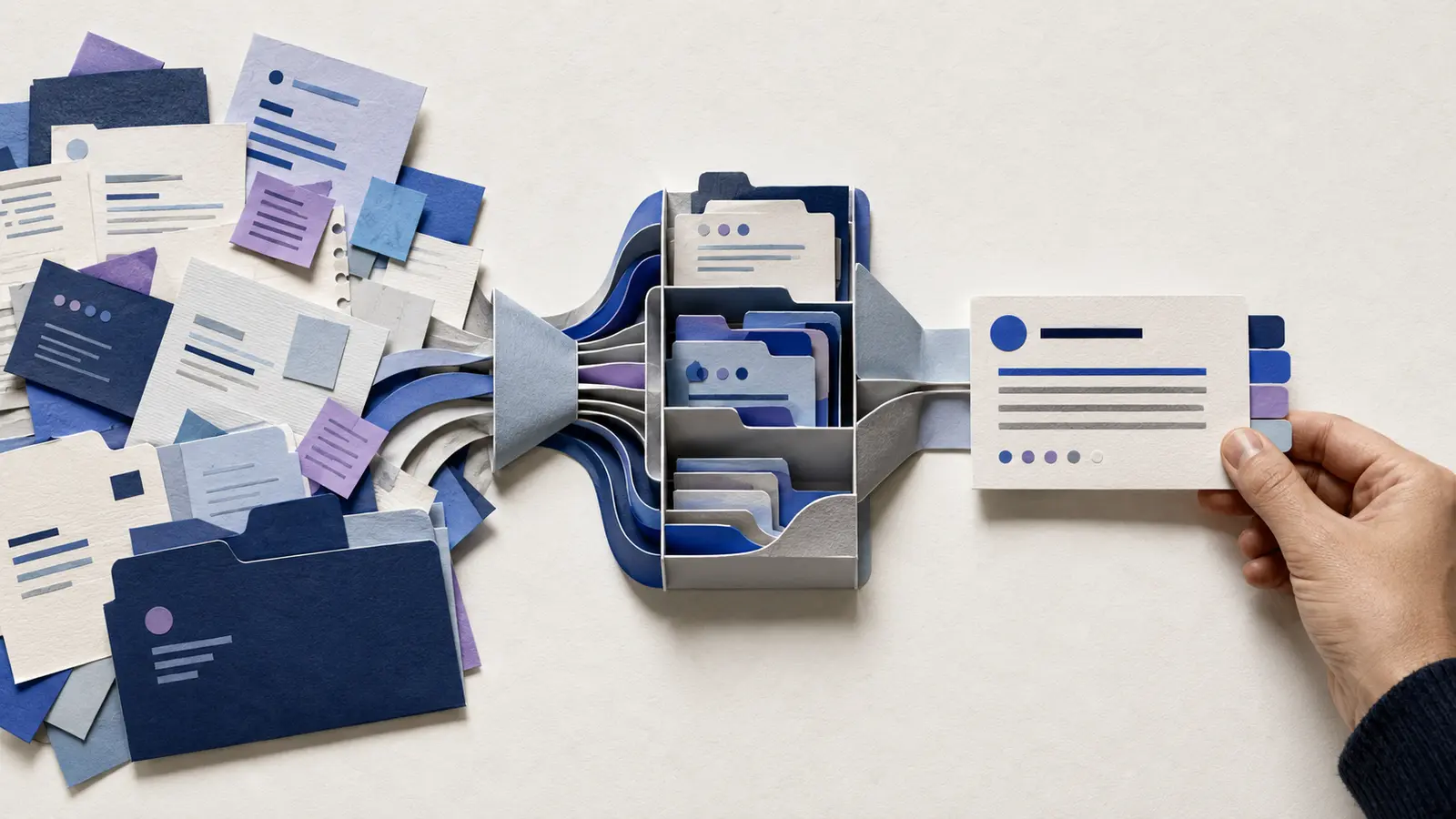
A lot of businesses already have the information their employees need.
The problem is finding it.
Policies live in PDFs. Procedures live in shared drives. Important answers are buried in old emails. Someone created a training document two years ago, but nobody knows whether it is still current. And when an employee gets stuck, the fastest solution is usually to message the one person who “knows everything.”
An AI knowledge assistant can make internal information much easier to use.
But the AI is only the visible part. The real work is building a trustworthy knowledge base underneath it.
Start With the Questions People Actually Ask
Do not begin by uploading every file your company has ever created.
Begin with demand.
What questions do employees ask repeatedly? Which procedures cause confusion? What information do new hires struggle to find? Where does the team depend on one experienced person for answers?
Collect real examples.
Those questions tell you which knowledge matters most and where an assistant could remove friction quickly.
A focused knowledge base that answers fifty important questions well is more useful than a giant archive containing thousands of documents nobody understands.
Decide Which Sources Are Authoritative
Internal knowledge becomes difficult when several documents appear to answer the same question.
Before AI enters the picture, decide what the official source is.
If there are three versions of a policy, choose the current one and retire or clearly label the others. If a procedure changes often, identify where the maintained version lives. If a spreadsheet is the source of truth for a particular value, document that.
The assistant should not have to guess which document wins.
Good knowledge systems are built on clear authority.
Organize Information Around Work, Not File Names
Employees think in questions and tasks.
They do not usually think, “I need the file named Operations_Final_v7.pdf.”
Organize knowledge around the work people are trying to do.
That may mean categories such as customer policies, sales process, onboarding, service procedures, troubleshooting, pricing rules, quality checks, or escalation paths.
The AI can help search across documents, but a sensible underlying structure still matters. It makes maintenance easier and helps people understand where an answer came from.
Make the Assistant Show Its Sources When Useful
Trust improves when employees can see where important information came from.
For internal questions, the assistant should often point to or link the source material behind the answer.
That lets the employee verify details, read the full procedure, or understand the context.
It also makes mistakes easier to diagnose. If an answer is wrong, the team can see whether the source itself is wrong, outdated, or being interpreted incorrectly.
An internal assistant should reduce searching without turning the original knowledge into a black box.
Teach It When to Stop
Not every company question belongs in an AI response.
Some situations require a manager, specialist, or policy owner. Some information may be sensitive. Some decisions may depend on context the assistant cannot see.
Define those boundaries.
The system can say, “Here is the relevant procedure, but this situation requires approval from X,” or “I do not have enough approved information to answer that.”
That behavior makes the assistant more useful because employees learn when they can rely on it and when they need a person.
Build an Update Process Before Launch
A knowledge base is not finished when it goes live.
Policies change. Services change. Software changes. People discover missing questions.
Someone needs to own updates.
A clear maintenance workflow helps keep the knowledge base accurate as the business changes.
The process can be simple: when a source document changes, the assistant’s knowledge is refreshed; when employees report a bad answer, someone reviews the source; when the same unanswered question appears repeatedly, the knowledge base is expanded.
Maintenance should be designed into the system, not treated as an emergency project six months later.
Make Adoption Easier Than the Old Habit
If employees can get an answer faster by messaging a coworker, they will keep messaging the coworker.
The assistant needs to be easy to access and easier than the workaround it is replacing.
That may mean putting it inside a tool the team already uses, keeping the interface simple, and making the answers direct.
You also need to explain what the assistant is for.
Employees should know which questions it is good at, which sources it uses, and how to report a problem. Trust grows through consistent usefulness, not through a launch announcement.
Measure Whether It Is Actually Helping
Look at the behavior around the knowledge assistant.
Are repeated questions to managers decreasing? Are new employees finding answers faster? Are procedures being followed more consistently? Are fewer people searching through shared folders? Which questions still produce weak answers?
The point is not to maximize chatbot usage.
The point is to reduce the cost of finding and applying company knowledge.
Want to Turn Scattered Information Into a Usable System?
If important knowledge is buried across documents, inboxes, and people’s heads, we can help you identify the highest-value questions, organize the right sources, and design an internal assistant around the way your team actually works.
The best knowledge base is not the one with the most documents. It is the one people trust enough to use.
Ready to find the right AI use case?
We can help you map the workflow, choose a practical starting point, and design a custom system around the way your business actually works.
Start a Conversation ↗Explore Custom AI