Custom AI insights
How AI Can Automate Appointment Scheduling Without Frustrating Customers
AI can coordinate routine appointments across chat, text, email, or voice, but reliable scheduling still depends on clear rules and a real source of truth.
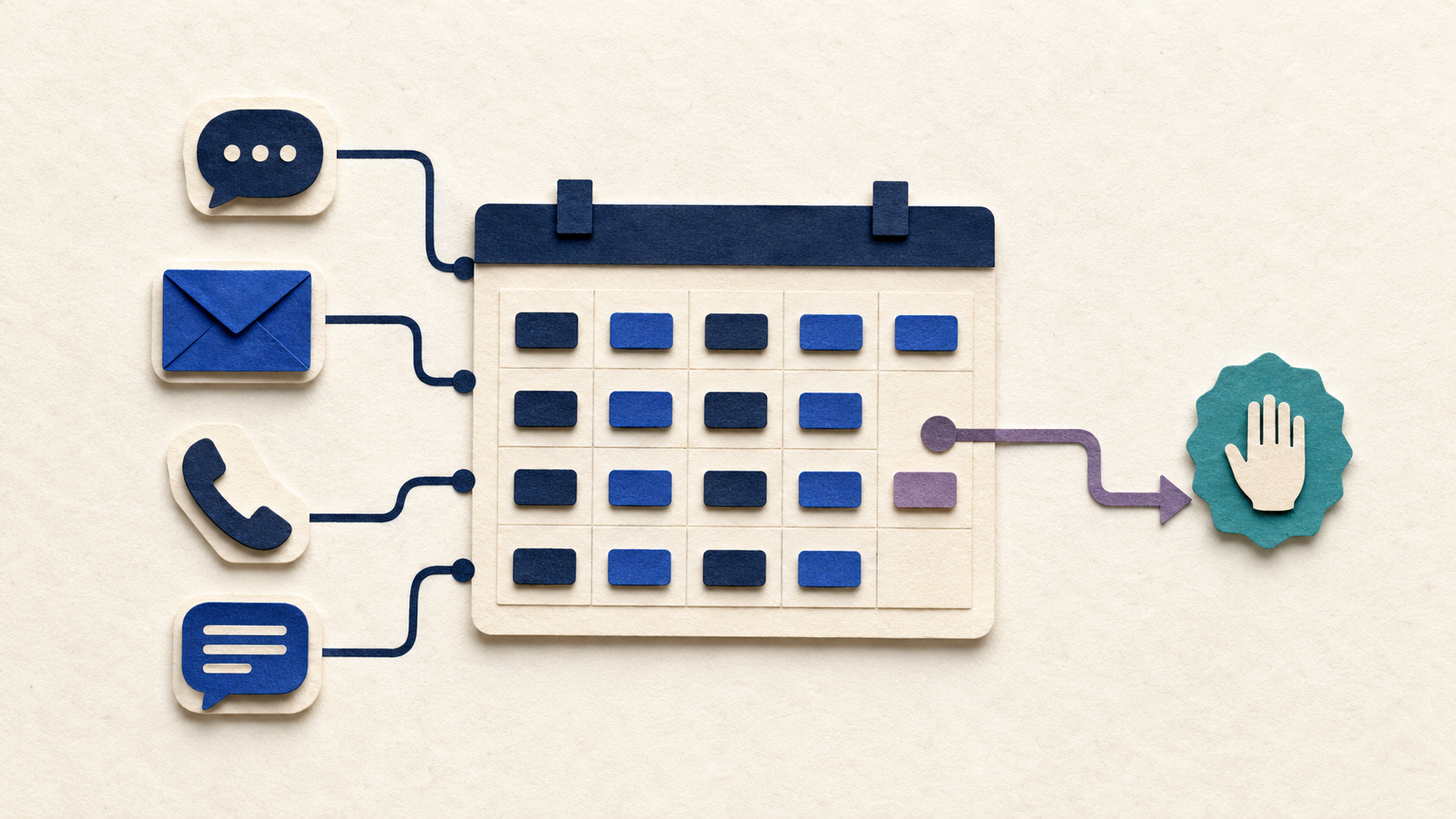
Scheduling looks simple until a business has multiple services, different appointment lengths, staff availability, travel time, rescheduling rules, and customers who do not describe what they need in neat dropdown menus.
A booking link can solve part of that problem. An AI scheduling assistant can solve a different part: the back-and-forth conversation around getting the right person into the right slot with the right information.
The key is to automate coordination without making the customer fight the system.
What AI Appointment Scheduling Actually Means
AI appointment scheduling is more than putting a calendar link on a website.
A scheduling assistant can understand a request in plain language, ask missing questions, check approved availability, offer suitable times, confirm the booking, send reminders, and help with routine rescheduling.
It can work through website chat, text, email, or a voice assistant depending on the business.
The AI handles interpretation. The calendar and business rules still determine what is actually allowed.
Where AI Saves the Most Time
The best scheduling workflows remove repeated coordination.
Examples include answering 'Do you have anything Tuesday afternoon?', determining which service length applies, collecting the customer’s location or preferred staff member, offering only valid slots, sending confirmation details, and reminding people before the appointment.
It can also reduce the 'I need to check and get back to you' cycle by checking the same scheduling system your team uses.
That is different from letting AI invent availability. The calendar remains the source of truth.
Scheduling Rules Need to Be Explicit
Most scheduling failures are not really AI failures. They are rule failures.
A business may know that a certain service cannot be booked after 3 p.m., that one employee needs travel time between jobs, that new customers require a longer slot, or that same-day appointments need manual approval.
If those rules are only in someone’s head, an automated system cannot follow them reliably.
Before connecting AI to a calendar, write down the rules that determine who can book what, when, and under which conditions.
What Should Stay Human
Not every scheduling request belongs in automation.
Complex cancellations, angry customers, large project scheduling, unusual accommodations, emergency situations, or anything where a person must balance competing priorities should escalate.
A good assistant can gather the details first and then hand the case to staff with a summary.
That still saves time without pretending every calendar problem has a perfect automatic answer.
Avoid Double Bookings and Calendar Confusion
The system should use one authoritative scheduling source or a clearly defined synchronization method.
If staff members are editing one calendar while the AI checks another, you are building a race condition into the customer experience.
Permissions also matter. The assistant should only see and change the calendar information it needs. It should not expose private event details to a customer simply because it can read them.
Availability is not the same thing as access.
Use Reminders Carefully
Reminders can reduce missed appointments, but more messages are not automatically better.
Send useful confirmations, directions, preparation instructions, or rescheduling options at sensible times. Do not turn a scheduling assistant into a spam machine.
If customers can reply to a reminder, decide what happens next. Can the AI reschedule? Does a human receive the message? Is the reply ignored?
The workflow should close the loop.
How to Know Whether Scheduling AI Is Working
Measure the operational result, not how conversational the assistant sounds.
Useful metrics include time spent scheduling, response time, number of completed bookings, abandoned requests, rescheduling volume, no-shows, double-booking errors, and how often a person has to intervene.
A system that sounds impressive but creates more cleanup is not an improvement.
Start With One Appointment Type
The easiest way to build a reliable scheduling workflow is to start narrow.
Choose one service, one calendar, or one type of appointment with clear rules. Automate that path, test unusual requests, and watch where customers get confused.
Once it works, add the next layer.
Want to Automate Scheduling Without Losing Control?
If your team spends too much time coordinating appointments, start with the rules and the handoff points.
Custom AI By Design can help connect conversational AI to the calendars and workflows you already use while keeping the business rules in charge.
Still playing calendar ping-pong with customers?
Show us how appointments are scheduled today. We can help identify which steps can be automated, which rules need to stay fixed, and where a person should remain involved.
Map Your Scheduling Workflow ↗