Custom AI insights
AI Receptionist for Small Business: What It Can Handle and What Should Stay Human
An AI receptionist can answer routine calls, capture leads, book appointments, and route customers, but the best systems make human handoff easy.
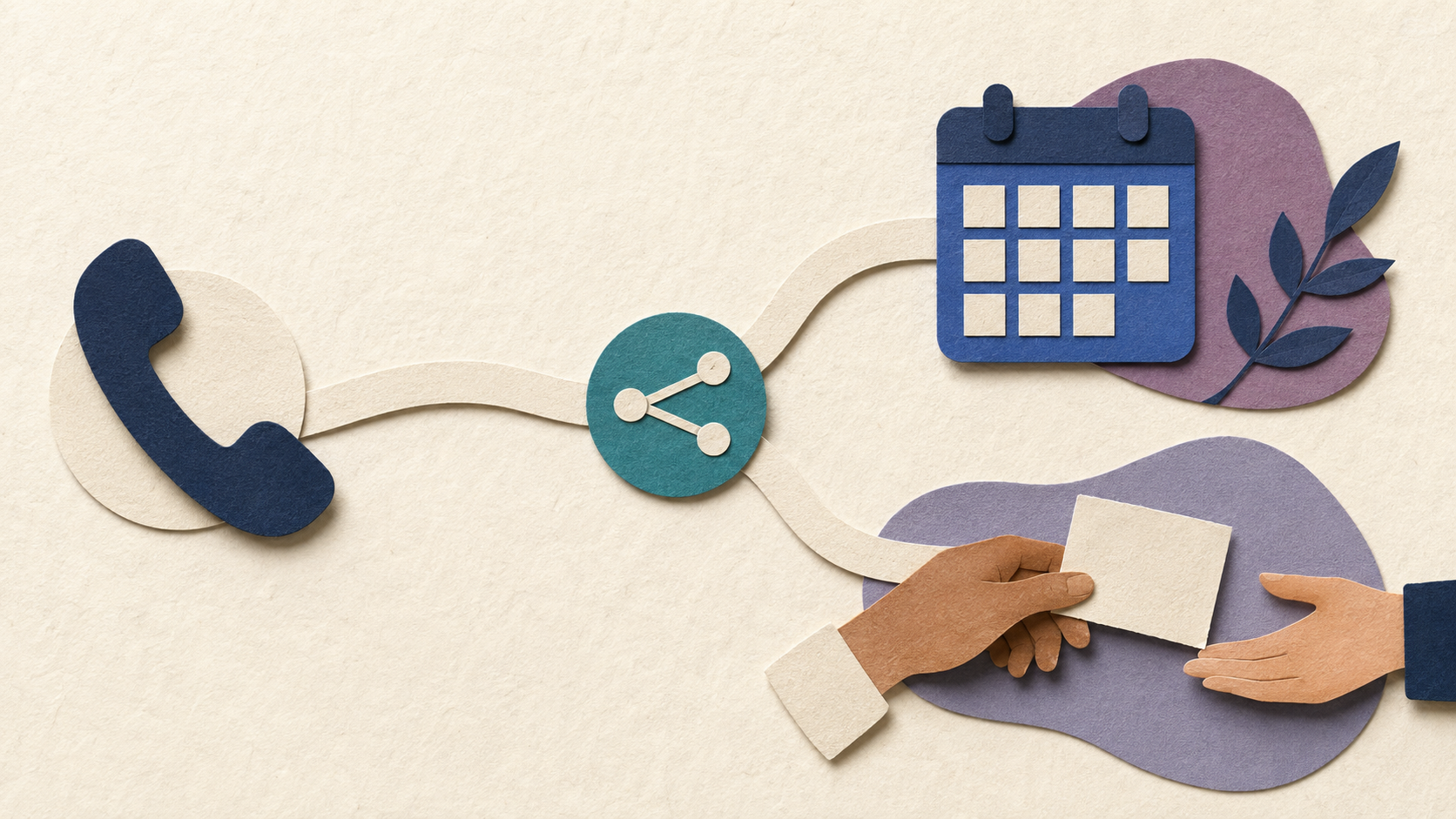
For a small business, a missed phone call can be more than an inconvenience. It can be a new customer who calls the next company, an existing customer who gets frustrated, or a staff member who has to stop what they are doing to answer the same question for the twentieth time.
That is why AI receptionists are getting so much attention. Modern voice AI can answer calls, understand natural language, collect information, book routine appointments, and route people without forcing every caller through a rigid phone tree.
But the useful question is not whether AI can answer the phone. It is which calls it should handle, which calls should reach a person, and how the handoff should work.
What Is an AI Receptionist?
An AI receptionist is a voice-based assistant that answers business calls and responds conversationally. Instead of asking callers to press numbers through a menu, it can listen to what the person needs and follow an approved workflow.
Depending on the setup, it may answer common questions, collect contact details, identify the reason for the call, check approved scheduling information, take a message, create a summary, or transfer the caller.
The important word is approved. A business receptionist should not invent prices, policies, availability, or promises just because the conversation sounds natural.
What an AI Receptionist Can Handle Well
The strongest use cases are repetitive, structured calls where the business already knows what information needs to be collected and what the next step should be.
That can include answering questions about hours and service areas, capturing new lead information, asking basic intake questions, booking or requesting routine appointments, confirming what a customer should bring, routing calls to the right person, and providing after-hours first response.
It can also create a useful call summary so the human who follows up does not have to start from zero.
For many businesses, that alone is valuable. The AI does not need to replace the front desk. It can cover the calls that are most likely to be missed or that interrupt staff for predictable reasons.
Where a Human Should Take Over
Some conversations should move to a person quickly.
Complaints, emotional customers, unusual pricing requests, complicated service exceptions, sensitive financial information, legal or medical questions, and anything requiring judgment or a binding commitment are poor places for unrestricted automation.
A good system recognizes those boundaries. It should know when to say that a team member needs to help, capture enough context for the handoff, and make it easy for the caller to reach a person.
The goal is not to prove that AI can finish every call. The goal is to make the overall customer experience better.
Why Bad Voice AI Frustrates Customers
Voice AI can feel impressive in a demo and still be painful in real use.
Problems appear when the assistant has outdated information, does not understand how the business actually schedules work, traps callers in loops, fails on accents or noisy connections, or keeps asking questions after a person has already explained the issue.
Another common mistake is hiding the human escape route. If a caller needs a person, the system should not treat that request like a failure.
Testing should include messy real-world calls, not just perfect scripts.
What a Good System Needs Behind the Voice
The voice is only the front end. The useful part is the system behind it.
A reliable AI receptionist needs an approved knowledge source, clear call-routing rules, scheduling boundaries, permissions for any connected tools, logging or summaries, and a defined escalation path.
If it connects to a calendar or CRM, the integration should be limited to the actions it actually needs. An assistant that only books appointments does not need broad access to unrelated customer records.
The better the workflow is defined, the less the assistant has to guess.
Is an AI Receptionist a Good Fit for Your Business?
It is worth considering when calls are frequently missed, staff repeatedly answer the same questions, after-hours inquiries matter, or phone intake follows a recognizable pattern.
It is less attractive when nearly every call is complex, highly sensitive, relationship-driven, or requires expert judgment from the beginning.
A simple test is to review a week of calls. If a meaningful portion could be resolved or routed with the same few pieces of information, there is probably a useful automation opportunity.
Start With Overflow, Not Full Replacement
For many small businesses, the safest first version is not 'AI answers everything.' It is overflow and after-hours coverage.
Let the assistant take calls when nobody is available, handle routine questions, capture leads, and prepare summaries. Review what happens. Fix the weak spots. Then decide whether it should handle more.
That approach gives you real data without making customers the test environment for an oversized rollout.
Want to Explore an AI Receptionist for Your Business?
If phone calls are creating interruptions or missed opportunities, start by mapping the call types, the information each one needs, and the point where a person should take over.
Custom AI By Design can help you design a voice workflow around the way your business actually works instead of forcing every caller into a generic script.
Missing calls or losing time to routine phone questions?
Tell us what your callers usually need and where your team gets interrupted. We can help you map the smallest useful AI receptionist workflow with clear human handoff.
Discuss Your AI Workflow ↗