Custom AI insights
How Long Does It Take to Build a Custom AI System?
Custom AI timelines depend on scope, data, integrations, testing, and decision speed. The fastest projects start with one clearly defined workflow.
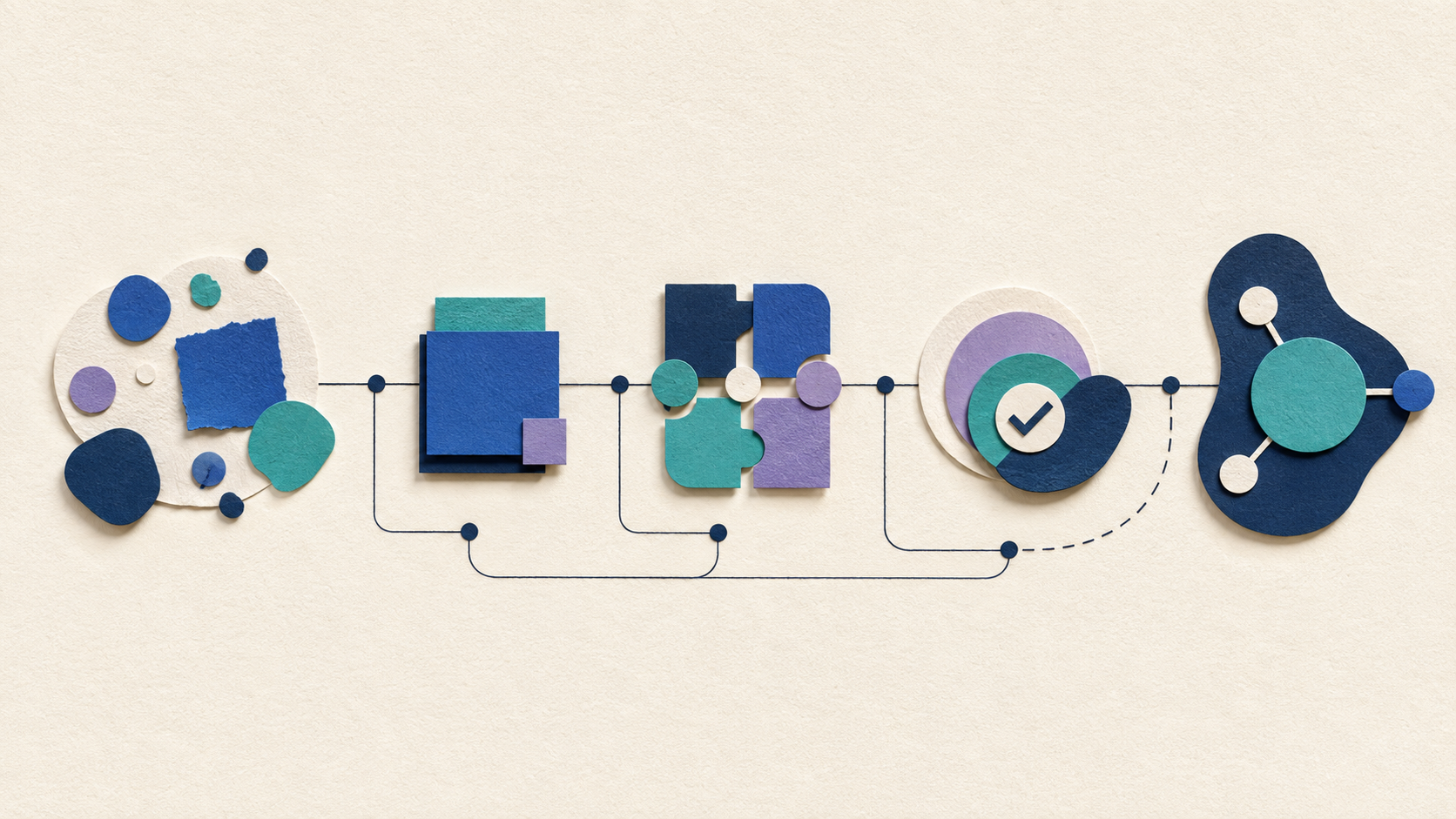
Ask how long a custom AI project takes and the safest answer is 'it depends.'
That answer is accurate, but it is not very useful by itself.
A focused assistant can often reach a testable first version in a few weeks. A production system that connects several tools, handles real customer data, and needs careful permissions, testing, and monitoring can take several weeks or a few months. Larger platforms can take longer.
The timeline is driven less by how quickly someone can call an AI model and more by how clearly the workflow, data, integrations, and success criteria are defined.
A Prototype Is Not the Same as a Production System
It is easy to build a demo that looks convincing.
A production system has to handle the situations the demo avoids: missing data, strange user requests, unavailable integrations, conflicting information, permissions, logging, handoff, and the possibility that the AI is wrong.
That is why a weekend prototype and a reliable business system can have very different timelines.
The first proves an idea. The second has to survive real use.
Phase 1: Discovery and Workflow Mapping
The first stage is understanding the job.
Map what happens today, what triggers the process, which information is used, where time is lost, what systems are involved, what should stay human, and what result would make the project worthwhile.
A clear scope can make the rest of the build dramatically faster.
A vague request such as 'we want an AI agent' usually makes the project slower because the real requirements are discovered after development starts.
Phase 2: Build the Smallest Useful Version
Once the workflow is clear, build the narrowest version that can prove the core idea.
That might be an assistant that answers from approved documents, a lead-intake workflow that creates a structured summary, or an email system that prepares follow-ups for review.
The goal is not to include every future feature.
The goal is to learn whether the system can perform the important job reliably with real examples.
Phase 3: Integrations and Business Rules
Integrations often determine the real schedule.
Connecting to a modern API may be straightforward. Working with an old system, unclear permissions, inconsistent data, or a tool that was never designed to expose the needed information can add significant time.
Business rules also need to be explicit. Who can approve an action? Which records may be changed? What happens when a customer asks for an exception?
AI cannot compensate for a workflow nobody has defined.
Phase 4: Testing, Guardrails, and Handoff
Before launch, test the edge cases.
Use real examples, intentionally incomplete requests, conflicting information, odd phrasing, and situations where the connected system is unavailable.
Decide what the AI should do when it is unsure and how a person takes over.
Then make sure the team understands what the system does, what it does not do, and how issues will be reported after launch.
What Usually Slows an AI Project Down
The biggest delays are often operational rather than technical.
Common causes include waiting for data access, discovering that information is inconsistent, changing scope during the build, unclear ownership, slow approvals, undocumented business rules, and integrations that are more limited than expected.
Security or compliance review can also add time when sensitive or regulated data is involved.
These are not reasons to avoid the project. They are reasons to surface dependencies early.
How to Make the Project Move Faster
Choose one workflow. Assign one person who can make decisions. Gather example inputs and desired outputs. Identify the systems that need to connect. Clarify who is allowed to approve changes. Define one or two success metrics.
That preparation is more useful than picking a model before the project begins.
A team that can answer operational questions quickly usually moves faster than a team with a perfect slide deck and no owner.
Use a Staged Rollout
For many small businesses, the best timeline is not one giant launch date.
Release a controlled first version, test it with a small group or limited workflow, fix what you learn, and expand deliberately.
That makes it easier to plan for support after the first version is live.
That creates value sooner and reduces the risk of spending months building features before users have touched the system.
How to Ask a Provider About Timeline
Do not ask only for a number of weeks.
Ask what assumptions the estimate depends on, which access or decisions you need to provide, what the first testable milestone is, when real users see the system, what testing is included, and what could change the schedule.
A good timeline explains the work, not just the date.
Have a Workflow You Want to Build?
If you are trying to estimate a custom AI project, start with the process and the dependencies.
Custom AI By Design can help define the smallest useful version, identify likely integration risks, and turn a vague AI idea into a build plan you can actually evaluate.
Want a realistic timeline for your AI idea?
Tell us the workflow, the systems it touches, and what a useful first version needs to accomplish. We can help scope the project around real dependencies instead of a generic estimate.
Discuss Your AI Project ↗