Custom AI insights
AI CRM Automation: How to Keep Leads and Customer Records Updated Automatically
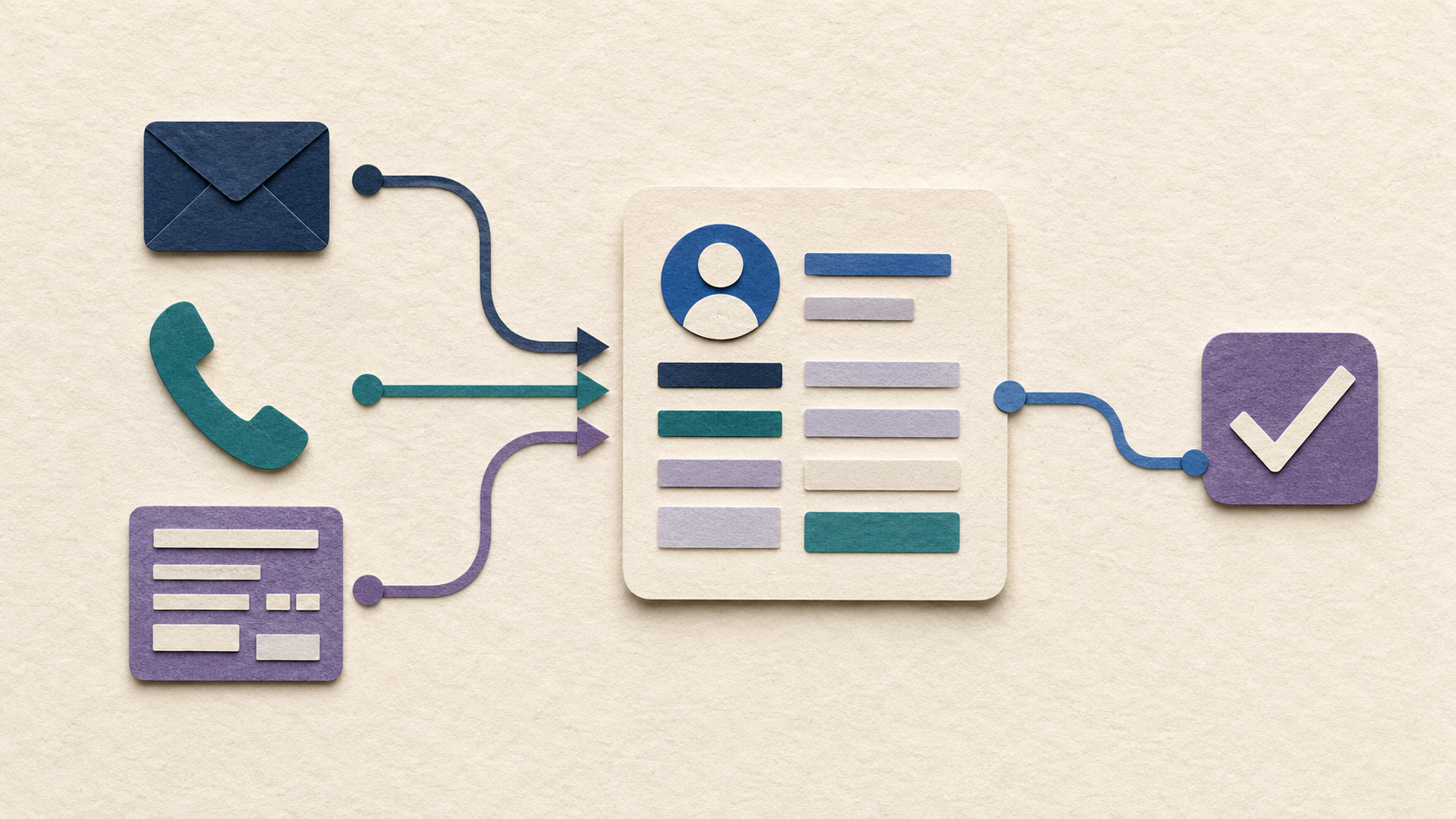
AI CRM automation can turn messy emails, calls, and forms into structured records without giving a model unrestricted control of your customer database.
A CRM is supposed to give a business a clear picture of its leads and customers. In practice, it often becomes a second job.
People forget to log calls, copy details from emails, update deal stages, add notes, create follow-up tasks, and fill in fields that were designed months ago and nobody enjoys maintaining.
AI CRM automation can reduce that admin, but the goal should not be to let a model freely rewrite the database. The goal is to turn messy conversations and business activity into clean, reviewable records.
What AI CRM Automation Can Do
AI is useful when the information entering the CRM is unstructured.
A customer may send an email, leave a voicemail, fill out a form, or have a sales conversation. AI can extract names, needs, deadlines, service interests, and next steps from that material and prepare structured updates.
It can also summarize long histories, identify missing information, suggest a follow-up task, or recommend a stage based on defined criteria.
Traditional automation can then handle predictable actions such as assigning an owner or sending a notification.
Capture Lead Information Without Re-Typing It
Lead capture is a strong first use case because the same information often appears in several places.
An AI workflow can take an inquiry, pull out the relevant details, check whether the contact already exists, and prepare a new record or update for review.
If the business already has qualification rules, the system can also flag whether the lead is missing something important before a salesperson spends time on it.
This reduces copying without removing human judgment from the sales process.
Create Better Call and Email Summaries
CRM notes are valuable only when people actually write them.
AI can turn a call transcript or email thread into a short factual summary: what the customer wants, what was promised, what is unresolved, and what happens next.
That makes handoffs easier and reduces the need to reread a long history before every conversation.
That same context can create a complete handoff between teams.
Those summaries can also prepare a complete complaint record.
The system should separate facts from suggestions so users can tell what came from the customer and what the AI inferred.
Use Rules for Predictable CRM Actions
Not every CRM task needs AI.
If every new lead from a certain form should be assigned to the same queue, use a rule. If every closed job should trigger the same follow-up task, use a rule.
Use AI where interpretation is needed, such as understanding a free-form message or summarizing a conversation.
Combining AI with deterministic automation is usually more reliable than asking the model to decide everything.
Do Not Automate Bad Data Faster
CRM automation exposes data-quality problems quickly.
Duplicate contacts, inconsistent company names, unused fields, unclear pipeline stages, and missing ownership rules can make an automated system look unreliable even when it is following the data it was given.
Before automating updates, decide which fields matter, what the source of truth is, and who owns cleanup.
A smaller clean CRM is more useful than a giant automated mess.
Permissions and Audit History Matter
A CRM may contain pricing, customer history, financial notes, personal information, and internal sales strategy.
The AI should only have access to the records and actions required for the workflow. A lead-summary assistant does not automatically need permission to delete contacts or change every field.
Keep a clear record of what the system changed and make important updates reviewable.
That makes errors easier to fix and helps employees trust the automation.
Where Humans Should Stay in the Loop
AI can prepare a record, but people should remain responsible for sensitive decisions.
Large discounts, unusual deal stages, customer disputes, contractual commitments, account deletion, and decisions that materially affect a customer or employee should not be hidden behind an automatic update.
A good workflow escalates those cases instead of forcing them through the normal path.
Start With One Handoff
Do not try to automate the entire CRM on day one.
Choose one repetitive handoff, such as website inquiry to lead record, sales call to summary, or email request to follow-up task.
Measure how often the prepared updates are correct, how much editing users do, and whether the workflow saves time.
Then expand.
Want a CRM That Updates Itself Without Losing Control?
If your team spends more time maintaining the CRM than using it, there is probably a better workflow.
Custom AI By Design can help connect messages, calls, forms, and existing systems to your CRM while keeping important changes visible and reviewable.
Is your CRM always one conversation behind?
Tell us where customer information enters the business and where it gets lost. We can help design a workflow that captures useful context without giving automation more authority than it needs.
Discuss Your CRM Workflow ↗